<?xml version="1.0" encoding="utf-8"?>
<feed xmlns="http://www.w3.org/2005/Atom" xmlns:media="http://search.yahoo.com/mrss/">
    <title>itsbortle9</title>
    <link href="https://itsbortle9.com/feed.xml" rel="self" />
    <link href="https://itsbortle9.com" />
    <updated>2026-08-01T13:27:34+07:00</updated>
    <author>
        <name>ledlamppost</name>
    </author>
    <id>https://itsbortle9.com</id>

    <entry>
        <title>Handheld Sun Photography</title>
        <author>
            <name>ledlamppost</name>
        </author>
        <link href="https://itsbortle9.com/handheld-sun-photography.html"/>
        <id>https://itsbortle9.com/handheld-sun-photography.html</id>
        <media:content url="https://itsbortle9.com/media/posts/11/1SunFinal-2.jpg" medium="image" />
            <category term="Planetary"/>

        <updated>2026-07-29T19:40:00+07:00</updated>
            <summary type="html">
                <![CDATA[
                        <img src="https://itsbortle9.com/media/posts/11/1SunFinal-2.jpg" alt="Final image" />
                    DO NOT POINT YOUR CAMERA/TELESCOPE OR LOOK AT THE SUN WITHOUT PROPER&hellip;
                ]]>
            </summary>
        <content type="html">
            <![CDATA[
                    <p><img src="https://itsbortle9.com/media/posts/11/1SunFinal-2.jpg" class="type:primaryImage" alt="Final image" /></p>
                <h2>DO NOT POINT YOUR CAMERA/TELESCOPE OR LOOK AT THE SUN WITHOUT PROPER SOLAR FILTER AND CHECK THE FILTER FIRST TO MAKE SURE THERE'S NO DAMAGE/HOLE!!!!</h2>
<p> </p>
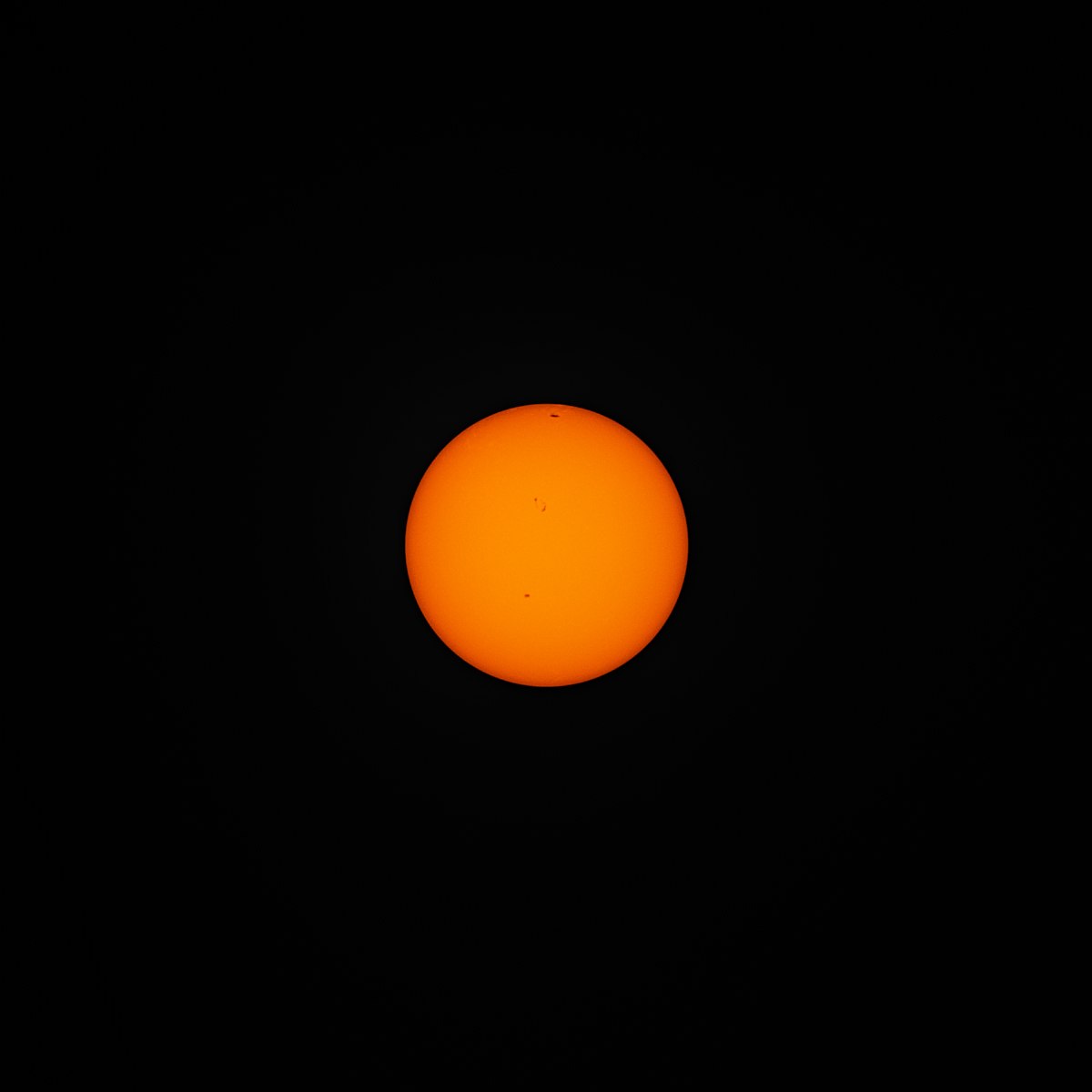
<p>We can do the Moon the Sun is roughly the same. I take this image using burst mode 333 frame were taken and stacked 65 frame.</p>
<figure class="post__image"><strong>Equipment</strong></figure>
<p>Camera : Sony A7C</p>
<p>Lens : Svbony SV545 203mm f/4.5</p>
<p>Filter : Thounsand Oak Solarite</p>
<p><strong>Camera setting<br></strong></p>
<p>Shutter speed : 1/4000s</p>
<p>ISO : 640</p>
<p>White balance : Daylight</p>
<p>Drive Mode : Burst - Hi</p>
<p>Image Quality : RAW uncompressed</p>
<p> </p>
<p><strong>Take a lot of image</strong></p>
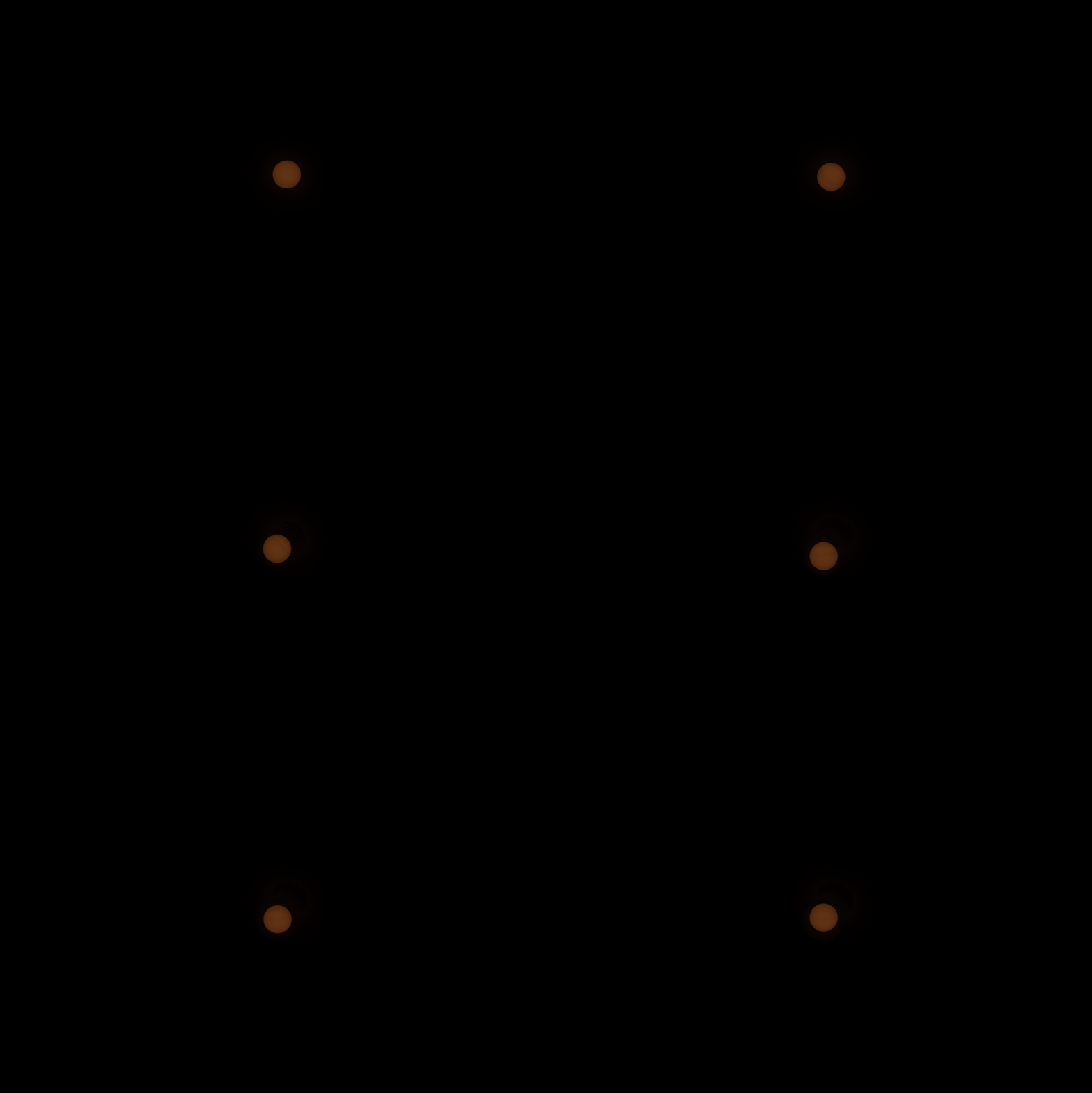
<p>Just like the Moon take as many as you can the Sun will drift accross the screen do not worry.</p>
<figure class="post__image"><img loading="lazy" src="https://itsbortle9.com/media/posts/11/_DSC5139_pipp.gif" alt="" width="1920" height="1283">
<figcaption>Image 1 Some sub frame example.</figcaption>
</figure>
<p><strong>Processing the image</strong></p>
<p>PIPP - To align the Sun to the center to the image so stacking software don't mess up the stacking.</p>
<ul>
<li>No convert to monochrome</li>
<li>I crop the image to reduce the file size</li>
</ul>
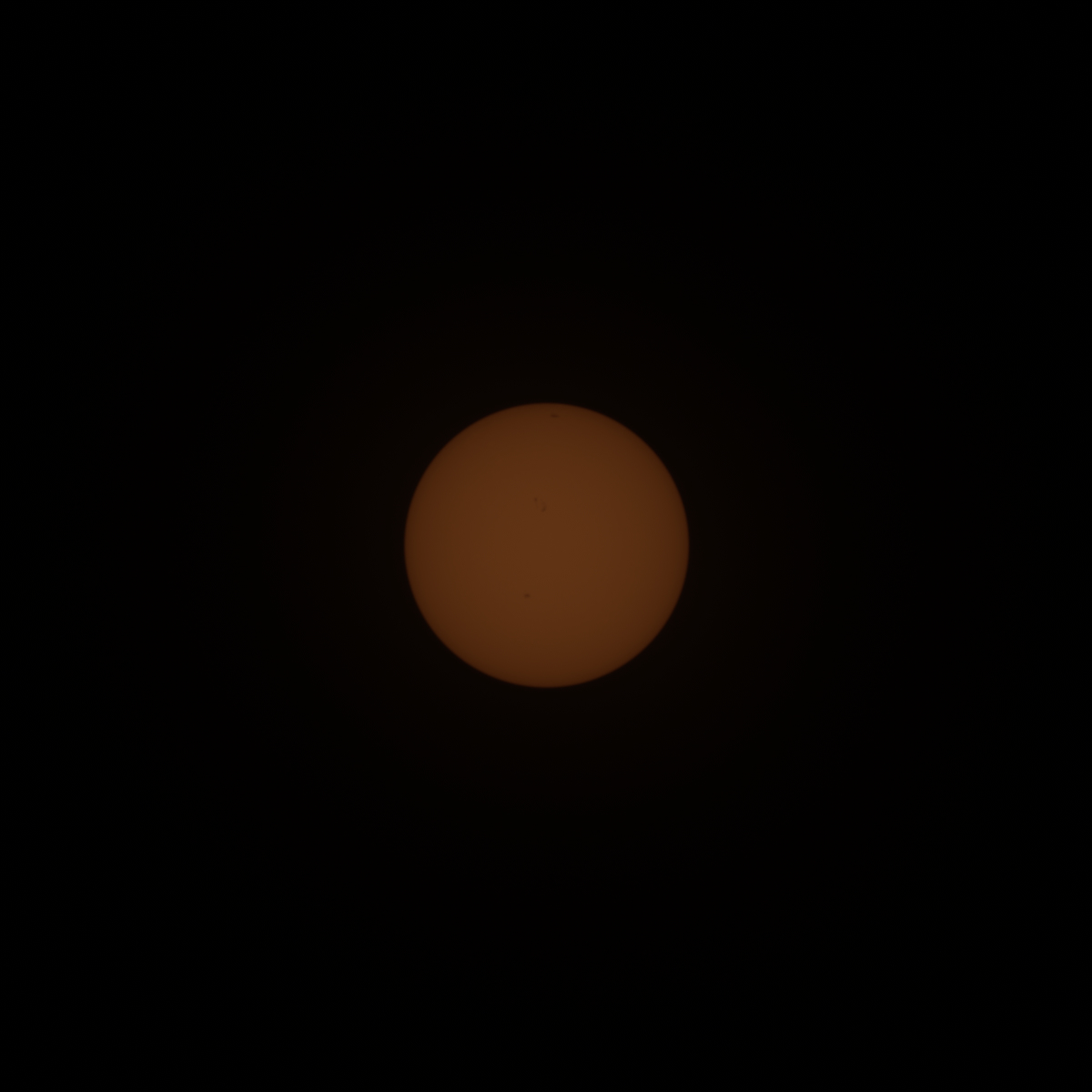
<p>Siril - Stack</p>
<ul>
<li>Amount of frame stacking is up to you i stack 65 out of 333</li>
</ul>
<figure class="post__image">
<figure class="post__image"><img loading="lazy"  src="https://itsbortle9.com/media/posts/11/1SunStacked-4.jpg" alt="" width="1200" height="1200" sizes="(max-width: 1024px) 100vw, 1024px" srcset="https://itsbortle9.com/media/posts/11/responsive/1SunStacked-4-xs.jpg 300w ,https://itsbortle9.com/media/posts/11/responsive/1SunStacked-4-sm.jpg 480w ,https://itsbortle9.com/media/posts/11/responsive/1SunStacked-4-md.jpg 768w ,https://itsbortle9.com/media/posts/11/responsive/1SunStacked-4-lg.jpg 1024w"></figure>
<figcaption>Image 2 Stacked Sun image from Siril</figcaption>
</figure>
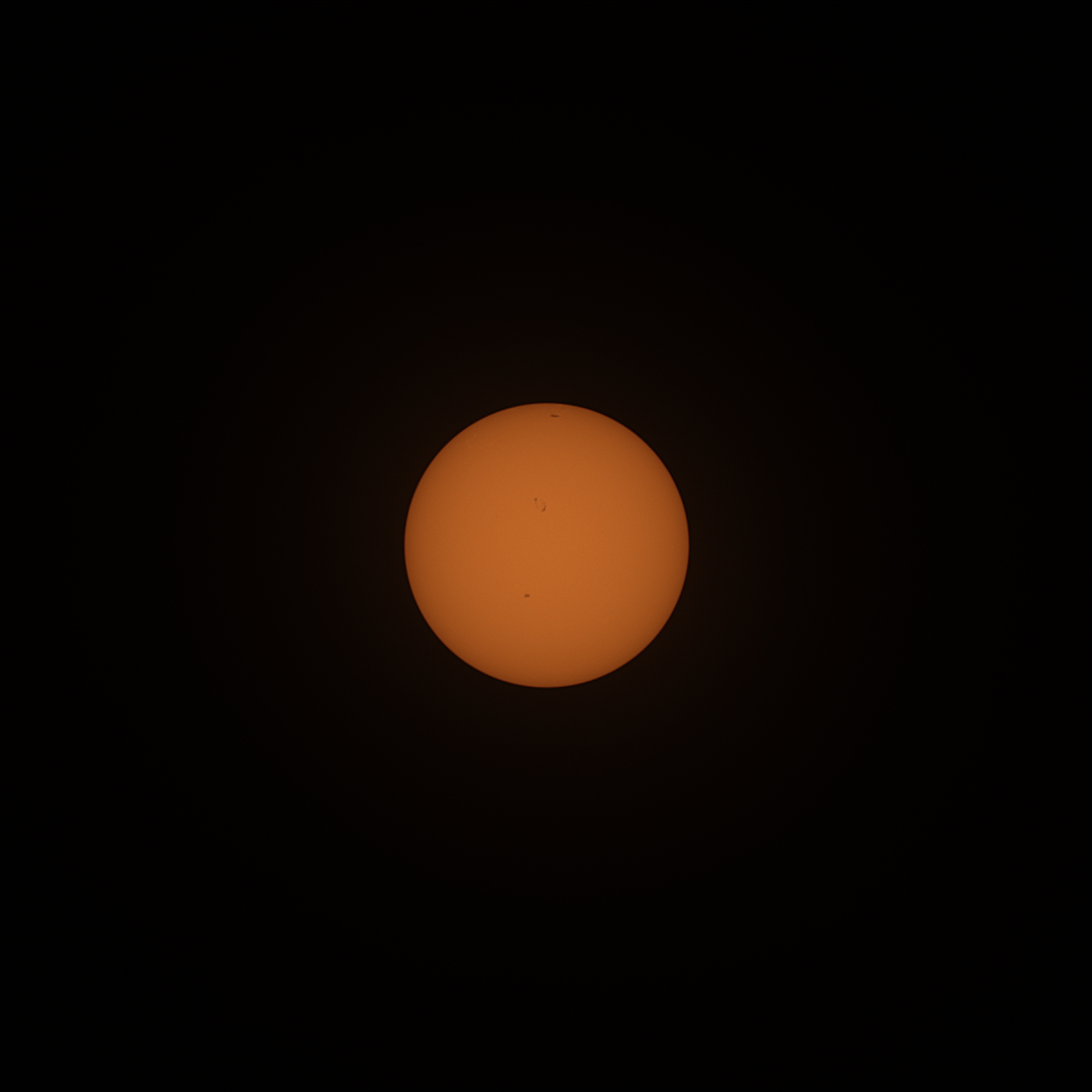
<p>Registax 6 - Sharpen</p>
<ul>
<li>Wavelet linear</li>
</ul>
<figure class="post__image"><img loading="lazy" src="https://itsbortle9.com/media/posts/11/1SunSharpened.jpg" alt="" width="1000" height="1000" sizes="(max-width: 1024px) 100vw, 1024px" srcset="https://itsbortle9.com/media/posts/11/responsive/1SunSharpened-xs.jpg 300w ,https://itsbortle9.com/media/posts/11/responsive/1SunSharpened-sm.jpg 480w ,https://itsbortle9.com/media/posts/11/responsive/1SunSharpened-md.jpg 768w ,https://itsbortle9.com/media/posts/11/responsive/1SunSharpened-lg.jpg 1024w">
<figcaption>Image 3 Sharpened image</figcaption>
</figure>
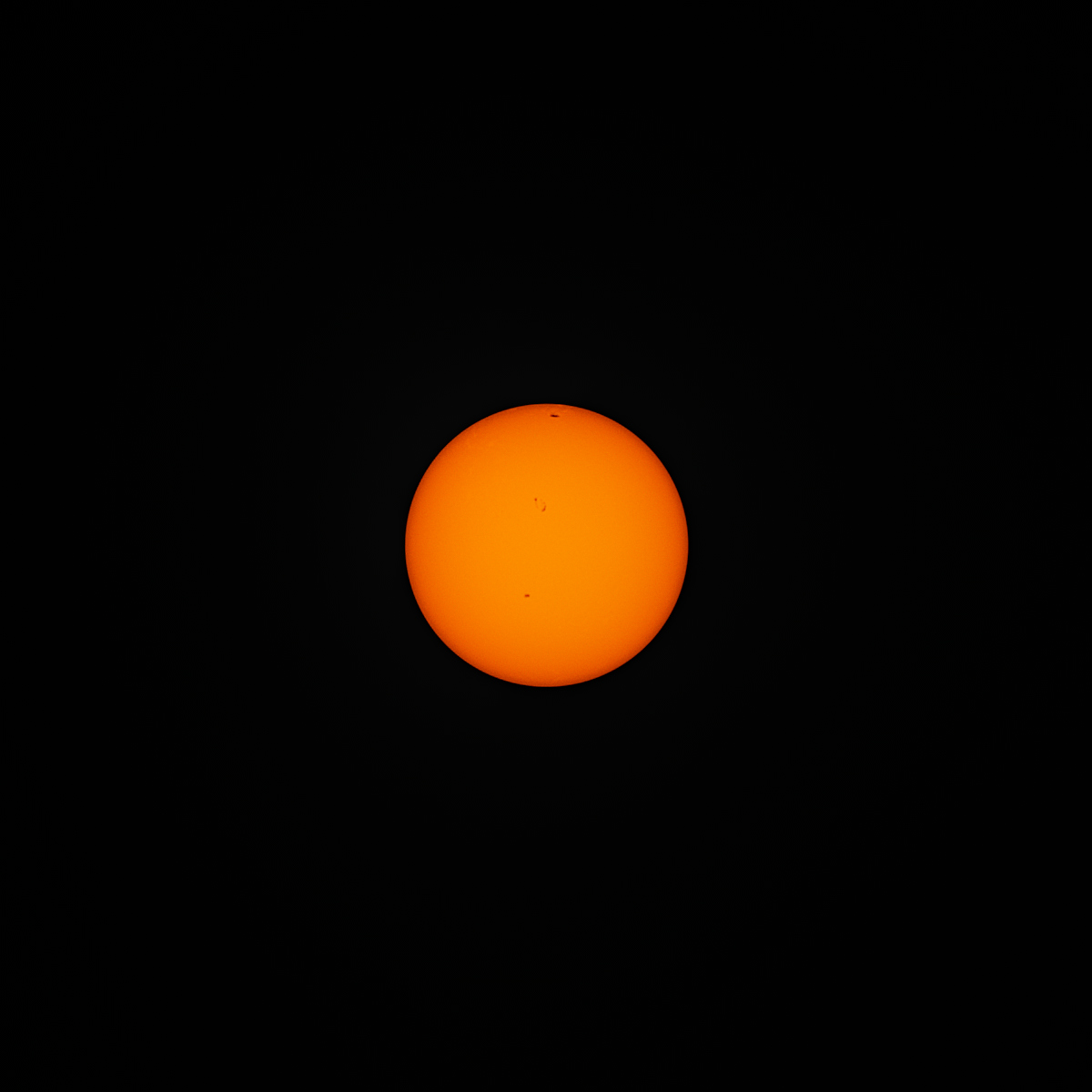
<p>Darktable - Final <span style="font-size: inherit;">touch</span></p>
<ul>
<li>Tone curve</li>
<li>Local contrast</li>
<li>Contrast equalizer</li>
<li>AgX</li>
</ul>
<div class="n6owBd awi2gc" data-sfc-cp="" data-sfc-root="ep" data-hveid="CAAIDhAB" data-complete="true" data-copy-service-computed-style="font-family: &quot;Google Sans&quot;, Arial, sans-serif; font-size: 16px; font-weight: 400; margin: 0px 0px 16px; text-decoration: none; border-bottom: 0px rgb(230, 232, 240);">
<div data-sfc-cp="" data-sfc-root="ep" data-hveid="CAAIDhAB" data-complete="true" data-copy-service-computed-style="font-family: &quot;Google Sans&quot;, Arial, sans-serif; font-size: 16px; font-weight: 400; margin: 0px 0px 16px; text-decoration: none; border-bottom: 0px rgb(230, 232, 240);">
<figure class="post__image"><img loading="lazy" src="https://itsbortle9.com/media/posts/11/1SunFinal.jpg" alt="" width="1000" height="1000" sizes="(max-width: 1024px) 100vw, 1024px" srcset="https://itsbortle9.com/media/posts/11/responsive/1SunFinal-xs.jpg 300w ,https://itsbortle9.com/media/posts/11/responsive/1SunFinal-sm.jpg 480w ,https://itsbortle9.com/media/posts/11/responsive/1SunFinal-md.jpg 768w ,https://itsbortle9.com/media/posts/11/responsive/1SunFinal-lg.jpg 1024w">
<figcaption>Image 4 Final image</figcaption>
</figure>
</div>
<div data-sfc-cp="" data-sfc-root="ep" data-hveid="CAAIDhAB" data-complete="true" data-copy-service-computed-style="font-family: &quot;Google Sans&quot;, Arial, sans-serif; font-size: 16px; font-weight: 400; margin: 0px 0px 16px; text-decoration: none; border-bottom: 0px rgb(230, 232, 240);"> </div>
<div data-sfc-cp="" data-sfc-root="ep" data-hveid="CAAIDhAB" data-complete="true" data-copy-service-computed-style="font-family: &quot;Google Sans&quot;, Arial, sans-serif; font-size: 16px; font-weight: 400; margin: 0px 0px 16px; text-decoration: none; border-bottom: 0px rgb(230, 232, 240);">I don't need to seperate the stacking to avoid rotation issue because i keep my camera leveled decently this time.</div>
<div data-sfc-cp="" data-sfc-root="ep" data-hveid="CAAIDhAB" data-complete="true" data-copy-service-computed-style="font-family: &quot;Google Sans&quot;, Arial, sans-serif; font-size: 16px; font-weight: 400; margin: 0px 0px 16px; text-decoration: none; border-bottom: 0px rgb(230, 232, 240);"> </div>
<div data-sfc-cp="" data-sfc-root="ep" data-hveid="CAAIDhAB" data-complete="true" data-copy-service-computed-style="font-family: &quot;Google Sans&quot;, Arial, sans-serif; font-size: 16px; font-weight: 400; margin: 0px 0px 16px; text-decoration: none; border-bottom: 0px rgb(230, 232, 240);"><strong>Summary</strong></div>
<div data-sfc-cp="" data-sfc-root="ep" data-hveid="CAAIDhAB" data-complete="true" data-copy-service-computed-style="font-family: &quot;Google Sans&quot;, Arial, sans-serif; font-size: 16px; font-weight: 400; margin: 0px 0px 16px; text-decoration: none; border-bottom: 0px rgb(230, 232, 240);"> </div>
<div data-sfc-cp="" data-sfc-root="ep" data-hveid="CAAIDhAB" data-complete="true" data-copy-service-computed-style="font-family: &quot;Google Sans&quot;, Arial, sans-serif; font-size: 16px; font-weight: 400; margin: 0px 0px 16px; text-decoration: none; border-bottom: 0px rgb(230, 232, 240);">PIPP - Centered</div>
<div data-sfc-cp="" data-sfc-root="ep" data-hveid="CAAIDhAB" data-complete="true" data-copy-service-computed-style="font-family: &quot;Google Sans&quot;, Arial, sans-serif; font-size: 16px; font-weight: 400; margin: 0px 0px 16px; text-decoration: none; border-bottom: 0px rgb(230, 232, 240);">Siril - Stack</div>
<div data-sfc-cp="" data-sfc-root="ep" data-hveid="CAAIDhAB" data-complete="true" data-copy-service-computed-style="font-family: &quot;Google Sans&quot;, Arial, sans-serif; font-size: 16px; font-weight: 400; margin: 0px 0px 16px; text-decoration: none; border-bottom: 0px rgb(230, 232, 240);">Registax 6 - Sharpen</div>
<div data-sfc-cp="" data-sfc-root="ep" data-hveid="CAAIDhAB" data-complete="true" data-copy-service-computed-style="font-family: &quot;Google Sans&quot;, Arial, sans-serif; font-size: 16px; font-weight: 400; margin: 0px 0px 16px; text-decoration: none; border-bottom: 0px rgb(230, 232, 240);">Darktable - Final touch</div>
</div>
            ]]>
        </content>
    </entry>
    <entry>
        <title>Handheld Moon Photography</title>
        <author>
            <name>ledlamppost</name>
        </author>
        <link href="https://itsbortle9.com/handheld-moon-photography.html"/>
        <id>https://itsbortle9.com/handheld-moon-photography.html</id>
        <media:content url="https://itsbortle9.com/media/posts/7/Processed-2.jpg" medium="image" />
            <category term="Planetary"/>

        <updated>2026-07-29T14:37:00+07:00</updated>
            <summary type="html">
                <![CDATA[
                        <img src="https://itsbortle9.com/media/posts/7/Processed-2.jpg" alt="Final image" />
                    No tripod no star tracker well it's possible. I taken this image&hellip;
                ]]>
            </summary>
        <content type="html">
            <![CDATA[
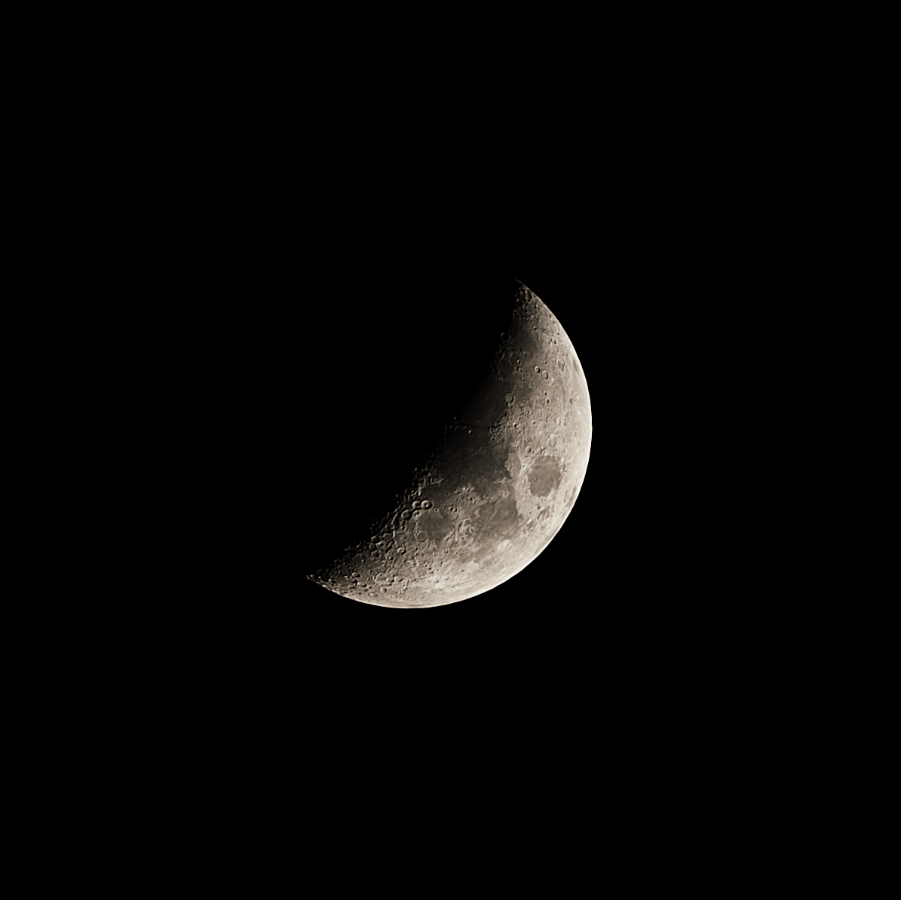
                    <p><img src="https://itsbortle9.com/media/posts/7/Processed-2.jpg" class="type:primaryImage" alt="Final image" /></p>
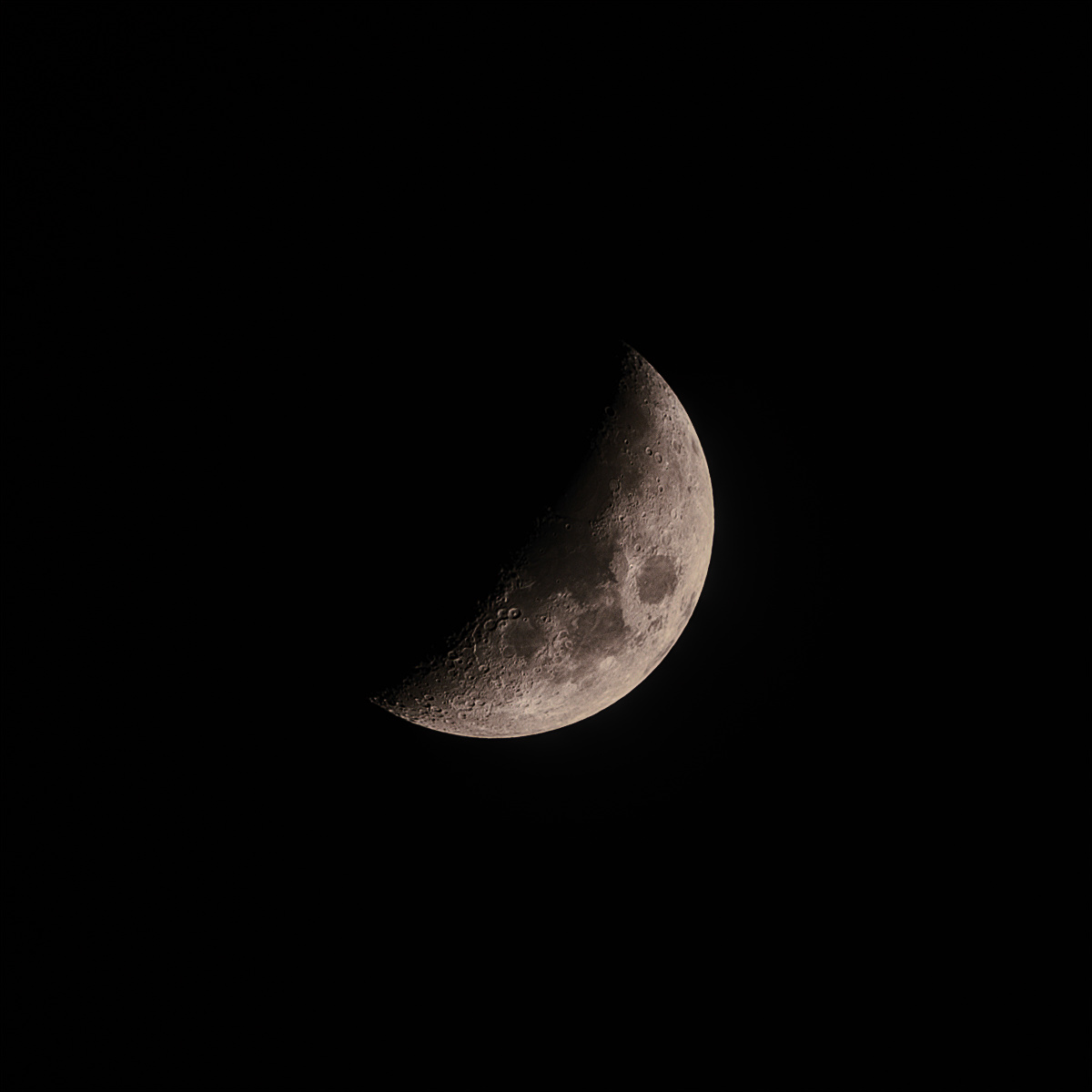
                <p>No tripod no star tracker well it's possible. I taken this image using burst mode 271 frame were taken and stacked 60 frame.</p>
<figure class="post__image"><strong>Equipment</strong></figure>
<p>Camera : Fujifilm X-T30</p>
<p>Lens : Svbony SV545 203mm f/4.5</p>
<p><strong>Camera setting<br></strong></p>
<p>Shutter speed : 1/2000s</p>
<p>ISO : 800</p>
<p>White balance : Daylight</p>
<p>Drive Mode : Burst - Hi</p>
<p>Image Quality : RAW uncompressed</p>
<p> </p>
<p><strong>Take a lot of image</strong></p>
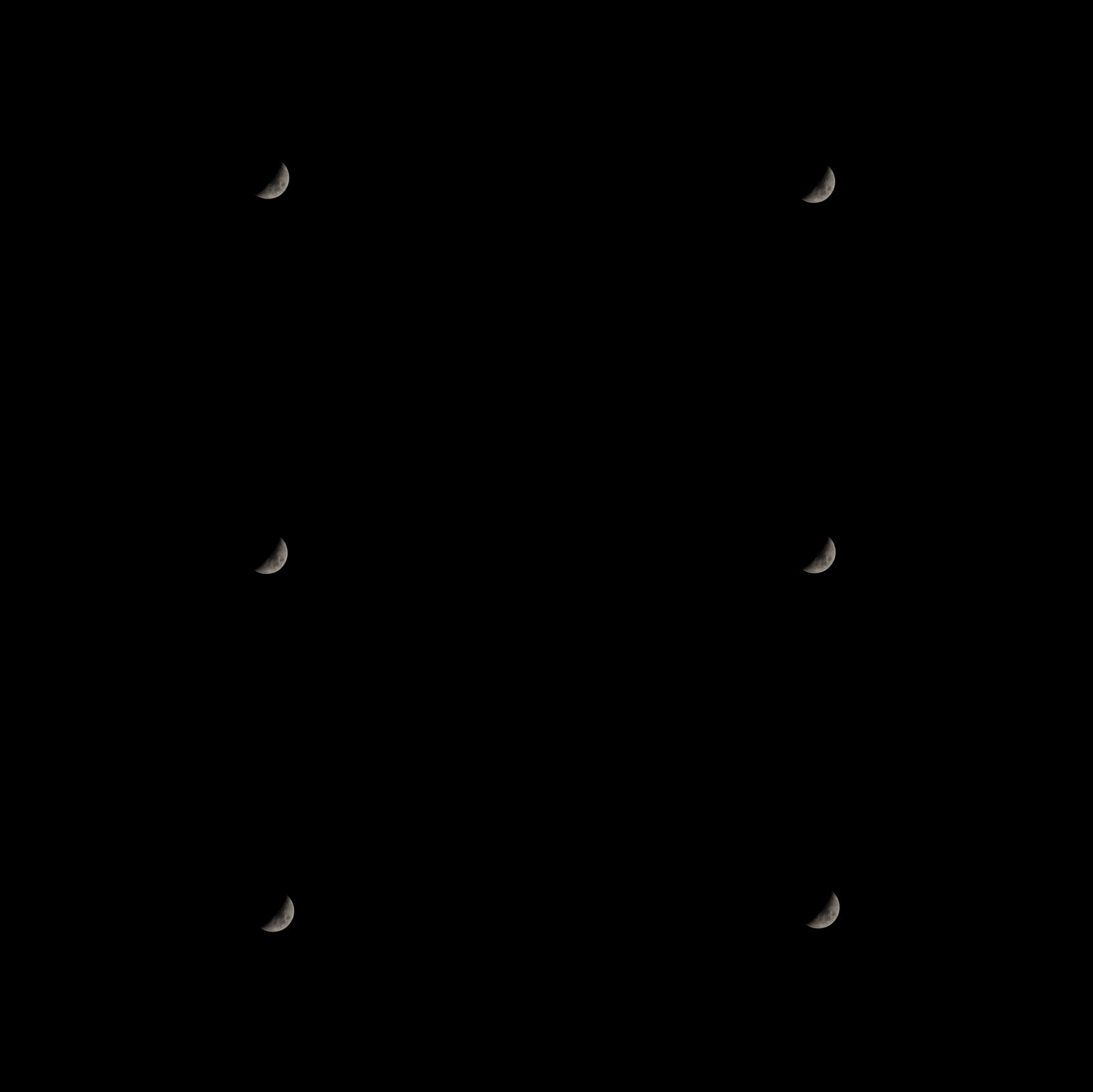
<p>Take as many as you can the Moon will drift accross the screen do not worry.</p>
<figure class="post__image"><img loading="lazy" src="https://itsbortle9.com/media/posts/7/1Sub-Frame-Example.gif" alt="" width="1350" height="900">
<figcaption>Image 1 Some sub frame example.</figcaption>
</figure>
<p><strong>Processing the image                                                                                    </strong></p>
<p>Rawtherapee - To make to colour is as intended as you want.</p>
<ul>
<li>White balance use Camera/Daylight</li>
<li>No capture sharpening</li>
</ul>
<p>PIPP - To align the moon to the center of the image so stacking software don't mess up the stacking.</p>
<ul>
<li>No debayer</li>
<li>No convert to monochrome</li>
<li>Cropped the images to reduce the file size</li>
</ul>
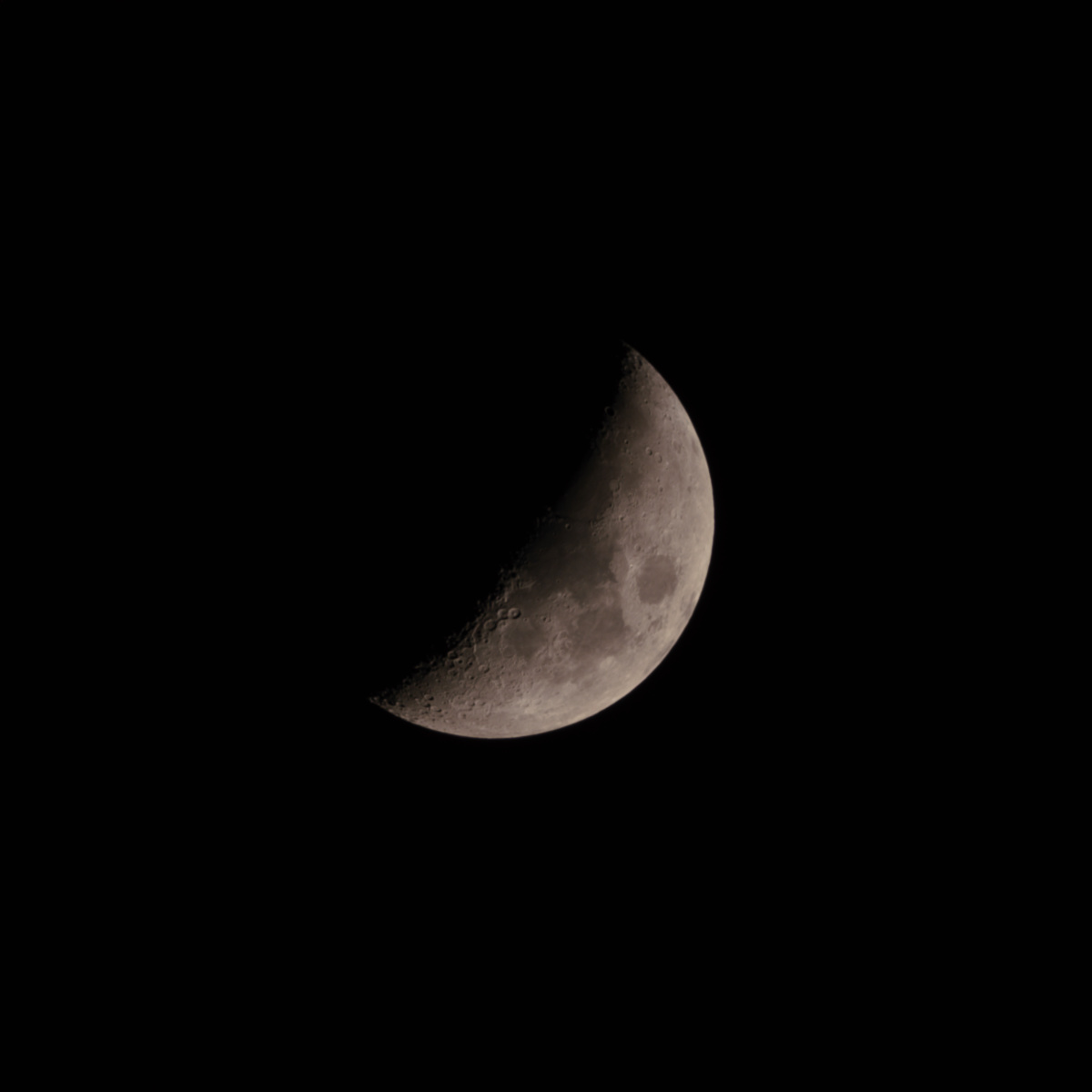
<p>Affinity Photo 2 - Stack </p>
<ul>
<li>Stack 10 image at a time to avoid software having alignment issue with extreme rotated frame.</li>
<li>Stack the stacked images together</li>
<li>Use Scale, rotate and translate</li>
<li>Check Automatically Align Images</li>
</ul>
<figure class="post__image"><img loading="lazy" src="https://itsbortle9.com/media/posts/7/1StackedMoon.jpg" alt="" width="1000" height="1000" sizes="(max-width: 1024px) 100vw, 1024px" srcset="https://itsbortle9.com/media/posts/7/responsive/1StackedMoon-xs.jpg 300w ,https://itsbortle9.com/media/posts/7/responsive/1StackedMoon-sm.jpg 480w ,https://itsbortle9.com/media/posts/7/responsive/1StackedMoon-md.jpg 768w ,https://itsbortle9.com/media/posts/7/responsive/1StackedMoon-lg.jpg 1024w">
<figcaption>Image 2 Stacked 60 image.</figcaption>
</figure>
<p>Registax 6 - Sharpen</p>
<ul>
<li>Wavelet - linear</li>
</ul>
<figure class="post__image"><img loading="lazy" src="https://itsbortle9.com/media/posts/7/1Sharpened.jpg" alt="" width="1000" height="1000" sizes="(max-width: 1024px) 100vw, 1024px" srcset="https://itsbortle9.com/media/posts/7/responsive/1Sharpened-xs.jpg 300w ,https://itsbortle9.com/media/posts/7/responsive/1Sharpened-sm.jpg 480w ,https://itsbortle9.com/media/posts/7/responsive/1Sharpened-md.jpg 768w ,https://itsbortle9.com/media/posts/7/responsive/1Sharpened-lg.jpg 1024w">
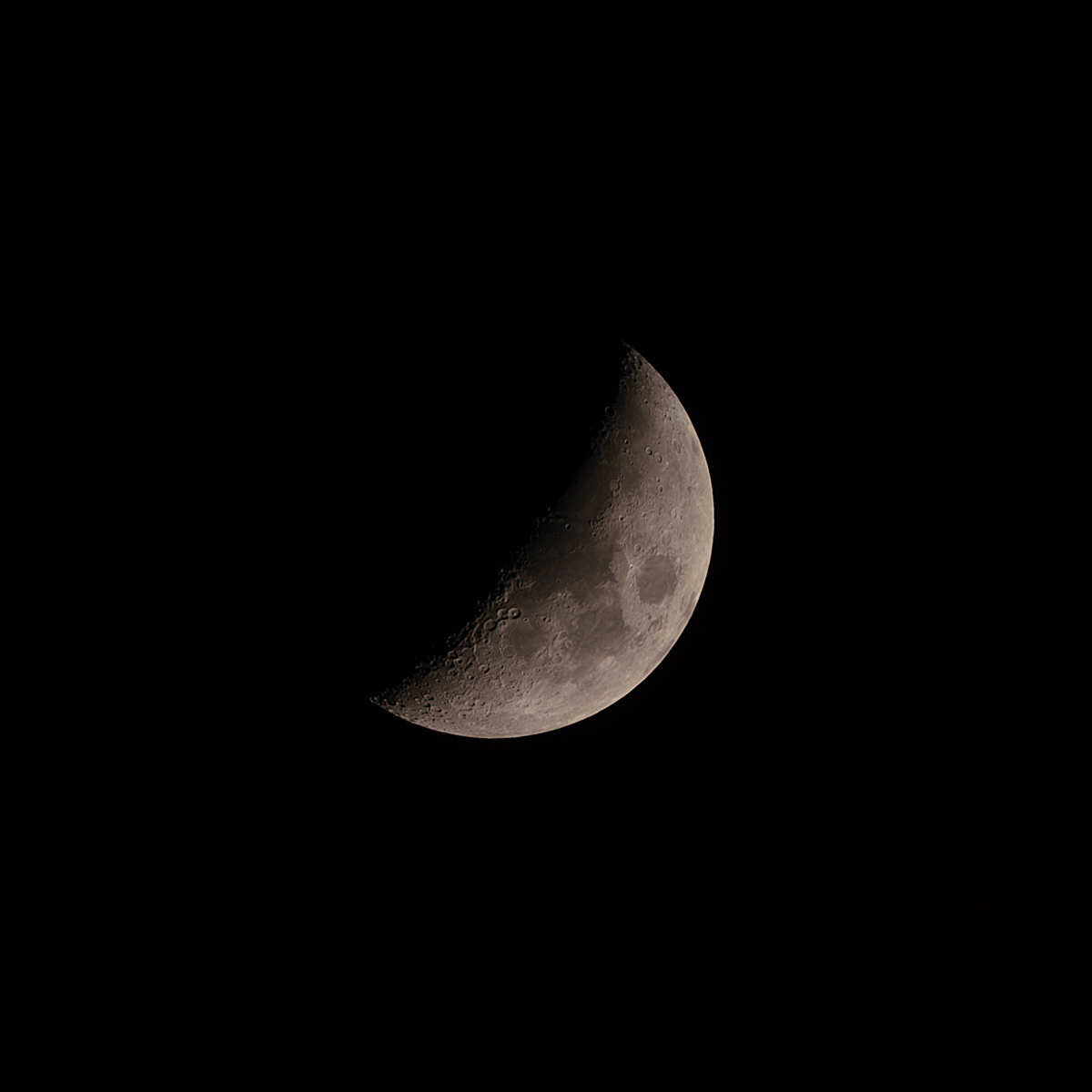
<figcaption>Image 3 Sharpened stacked image slight rind artifact visible on the edge.</figcaption>
</figure>
<p class="align-left">Darktable - Final touch</p>
<ul>
<li class="align-left">Tone curve</li>
<li>Shadows and Highlights</li>
<li>Contrast equalizer</li>
<li>Local contrast</li>
</ul>
<figure class="post__image"><img loading="lazy" src="https://itsbortle9.com/media/posts/7/1Final.jpg" alt="" width="1000" height="1000" sizes="(max-width: 1024px) 100vw, 1024px" srcset="https://itsbortle9.com/media/posts/7/responsive/1Final-xs.jpg 300w ,https://itsbortle9.com/media/posts/7/responsive/1Final-sm.jpg 480w ,https://itsbortle9.com/media/posts/7/responsive/1Final-md.jpg 768w ,https://itsbortle9.com/media/posts/7/responsive/1Final-lg.jpg 1024w">
<figcaption>Image 4 Final image</figcaption>
</figure>
<p>There's many good technique to mitigate the rind artifact i might give this a reprocess in the future.</p>
<p>For stacking Astrosurface and Autostakkert! should work too and may not need to seperate the stack i didn't test this.</p>
<p>I have successfully fix the rotated sub frame with ImageJ but can't find a way to export 16-bit TIF file.</p>
<div class="n6owBd awi2gc" data-sfc-cp="" data-sfc-root="ep" data-hveid="CAAIDhAB" data-complete="true" data-copy-service-computed-style="font-family: &quot;Google Sans&quot;, Arial, sans-serif; font-size: 16px; font-weight: 400; margin: 0px 0px 16px; text-decoration: none; border-bottom: 0px rgb(230, 232, 240);">
<p data-sfc-root="ep" data-hveid="CAAIDhAB" data-complete="true" data-copy-service-computed-style="font-family: &quot;Google Sans&quot;, Arial, sans-serif; font-size: 16px; font-weight: 400; margin: 0px 0px 16px; text-decoration: none; border-bottom: 0px rgb(230, 232, 240);"><strong>Summary</strong></p>
<p data-sfc-root="ep" data-hveid="CAAIDhAB" data-complete="true" data-copy-service-computed-style="font-family: &quot;Google Sans&quot;, Arial, sans-serif; font-size: 16px; font-weight: 400; margin: 0px 0px 16px; text-decoration: none; border-bottom: 0px rgb(230, 232, 240);">Rawtherapee - Adjust colour</p>
<div data-sfc-cp="" data-sfc-root="ep" data-hveid="CAAIDhAB" data-complete="true" data-copy-service-computed-style="font-family: &quot;Google Sans&quot;, Arial, sans-serif; font-size: 16px; font-weight: 400; margin: 0px 0px 16px; text-decoration: none; border-bottom: 0px rgb(230, 232, 240);">PIPP - Centered</div>
<div data-sfc-cp="" data-sfc-root="ep" data-hveid="CAAIDhAB" data-complete="true" data-copy-service-computed-style="font-family: &quot;Google Sans&quot;, Arial, sans-serif; font-size: 16px; font-weight: 400; margin: 0px 0px 16px; text-decoration: none; border-bottom: 0px rgb(230, 232, 240);">Affinity Photo 2 - Stack</div>
<div data-sfc-cp="" data-sfc-root="ep" data-hveid="CAAIDhAB" data-complete="true" data-copy-service-computed-style="font-family: &quot;Google Sans&quot;, Arial, sans-serif; font-size: 16px; font-weight: 400; margin: 0px 0px 16px; text-decoration: none; border-bottom: 0px rgb(230, 232, 240);">Registax 6 - Sharpen</div>
<div data-sfc-cp="" data-sfc-root="ep" data-hveid="CAAIDhAB" data-complete="true" data-copy-service-computed-style="font-family: &quot;Google Sans&quot;, Arial, sans-serif; font-size: 16px; font-weight: 400; margin: 0px 0px 16px; text-decoration: none; border-bottom: 0px rgb(230, 232, 240);">Darktable - Final touch (use any that you comfortable with)</div>
</div>
            ]]>
        </content>
    </entry>
</feed>